37% of manufacturers still manage MRO documentation entirely manually. For field technicians, finding the right page is the leading cause of on-site delays — not the repair itself. Here's what the shift to interactive, mobile-first parts information actually changes.
Why Field Technicians Are Still Losing Time to a PDF — and What the Fix Actually Looks Like
A technician arrives on-site for what should be a straightforward repair. Machine down, clock running, production losing money by the minute. They pull out their phone, open a PDF manual, and start scrolling. Twenty minutes later they've found the right diagram, only to realize it's a low-resolution scan, the part number is cut off, and they're not sure if this is even the right revision. They call the office. By the time the right information reaches the right hands, the day is half over and another day of potential production is missed.
.Why Are Manufacturers Still Running Field Service Off PDF Documentation?
According to Peerless Research Group, 37% of companies still manage their MRO documentation entirely manually, a category that includes PDFs, binders, email chains, and tribal knowledge passed technician to technician. For field service teams specifically, scrolling through lengthy PDF manuals to find a specific procedure is cited as the leading cause of on-site delays. That stat deserves to sit for a moment. Not a slow parts supply chain. Not a difficult diagnosis. The single biggest time-killer for technicians in the field is finding the right page.
The PDF wasn't designed for this. It was designed for printing and reading, not for field service. It's static. It doesn't update. It doesn't link to live inventory. It doesn't know which revision of a machine you're standing in front of. And on a phone screen in a dim equipment room, it's close to useless.
How Does Slow Parts Identification Connect to First-Time Fix Rate and Customer Satisfaction?
When a technician can't immediately identify the right part, they might order the wrong one. They might make multiple trips. They might spend 45 minutes on hold with the manufacturer's parts line. Each of those outcomes translates directly into a failed first-time fix, a return visit, and a frustrated customer.
The documentation problem is a parts problem. A parts problem is a first-time fix problem. And a first-time fix problem is a cost, a customer satisfaction, and a competitive problem, all at once. ATS Industrial Field Maintenance research consistently identifies documentation access as a critical factor in first-time fix rates, the metric that determines whether a repair visit closes the issue or creates a callback.
According to MaintenanceWorld's CMMS Trends analysis, mobile-first platforms are among the fastest-growing categories in field service and maintenance technology, precisely because the gap between what technicians need in the field and what they've historically had access to is enormous.
What Does Moving From a Static PDF to a Live Schematic Actually Change for a Field Technician?
The difference isn't cosmetic, it's functional. A static PDF shows you what a machine looks like. A live schematic tells you what you're working with right now.
That means part numbers accurate to the current equipment configuration. Assembly views you can navigate and zoom without losing resolution. Direct links from a component on the diagram to its current inventory status, order history, and lead time. Documentation tied to a specific model and revision, not a generic download that may or may not apply.
Docsie's Technical Manuals Analysis notes that the expectation from field personnel has fundamentally shifted: documentation is no longer something you go find, it's something that should be available where you are, in the format you need, right now.
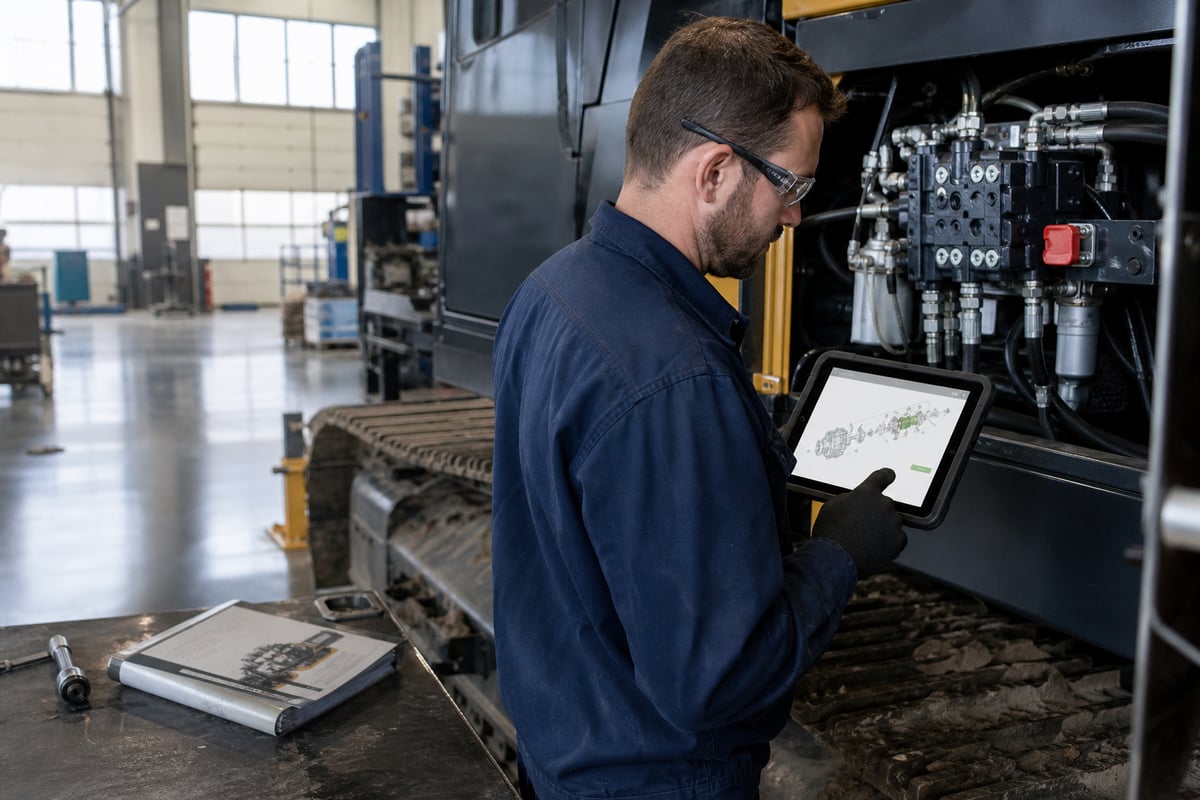
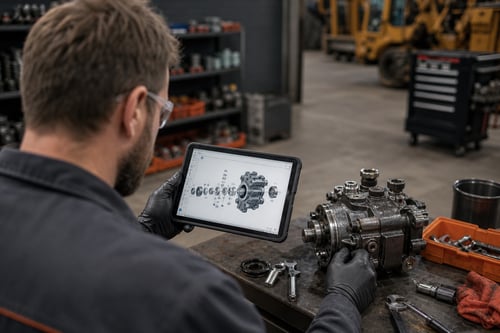
Envalo's Interactive Parts Schematics is built specifically for this. Tablet-ready and mobile-first, it's designed from the ground up for the technician in the field, not the administrator at a desk. Parts diagrams, technical documentation, and ordering are all available in one place, accessible from any device, without a call to the parts department or a hunt through a shared drive. A technician can pull up the diagram for the equipment they're servicing, identify the component, check availability, and place an order without leaving the floor. Deployment runs 8–12 weeks alongside existing ERP systems. No rip-and-replace.
What Should Manufacturers Actually Prioritize When Moving Away From PDF-Based Parts Documentation?
The highest-impact changes follow a clear order. First: make parts diagrams mobile-accessible and machine-specific, tied to serial number and model year, not generic document downloads. Second: connect the diagram to live ERP inventory so technicians see current availability, not last month's export. Third: close the loop from identification to ordering in one flow, not a diagram in one system and an order form in another.
The goal isn't to eliminate the PDF entirely. It's to stop making the PDF the primary tool a technician uses in the field when something breaks. The technology to do better has existed for years. The question is how long manufacturers are willing to keep handing technicians a scroll-heavy document and calling it field support.
For mid-market OEMs treating aftermarket parts digitization as a Q3 priority, the field documentation gap is one of the most visible places where the investment pays off fastest, because every hour a technician spends scrolling a PDF is an hour of downtime that didn't need to happen.
If you want to see what mobile-first, machine-specific parts identification looks like for your product lines, we can walk through a 20-minute live demo using your actual schematics and ERP data. Book a no obligation walthrough here.